Access the official download link at https://www.microsoft.com/en-us/evalcenter/evaluate-windows-server and follow these steps to seamlessly transition from the Evaluation Version to the Full Version using the DISM command:
Launch CMD (Command Prompt) as Administrator.
Verify your system’s current version: DISM /Online /Get-CurrentEdition.
Convert to the Full Version with this command: DISM /online /Set-Edition: ServerStandard /ProductKey: XXXXX-XXXXX-XXXXX-XXXXX-XXXXX /AcceptEula.
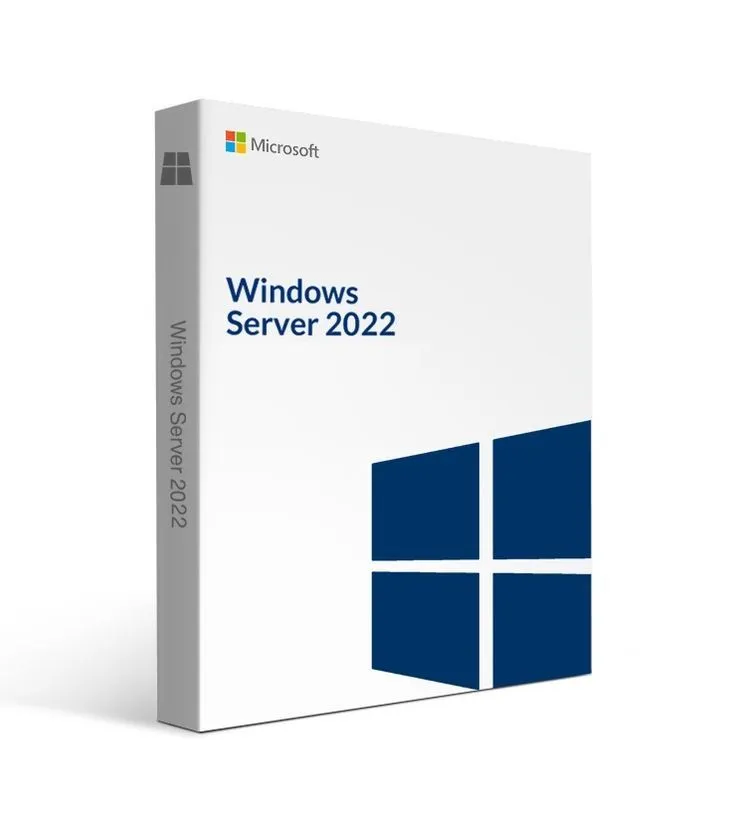
Windows Server 2022 Datacenter is crafted for virtualized data centers and cloud environments, providing advanced storage and virtualization capabilities. Arm your company with indispensable tools and features for heightened performance and scalability.
Explore the Distinctive Advantages of Windows Server 2022 Datacenter:
Cloud-ready OS featuring cutting-edge security measures
Enhanced scalability with 48 TB of RAM
Revolutionary Windows Admin Center for superior operational control
Optimized security through Trusted Platform Module and VBS
Streamlined storage migration service for seamless transitions
Key Features:
Uncover the latest server operating system version
Optimize performance with innovative tools and features
Elevate security with multi-layer protection systems
Expedite storage migration for enhanced efficiency
Enjoy superior system control

 Elite Dreams